ARTICLES
Bootstrap 3 to 4 Migration
In OpenNMS we use Bootstrap 3 as a library to help styling web pages.
However the style sheets are customized in a way, that they are not bootstrap-compatible anymore.
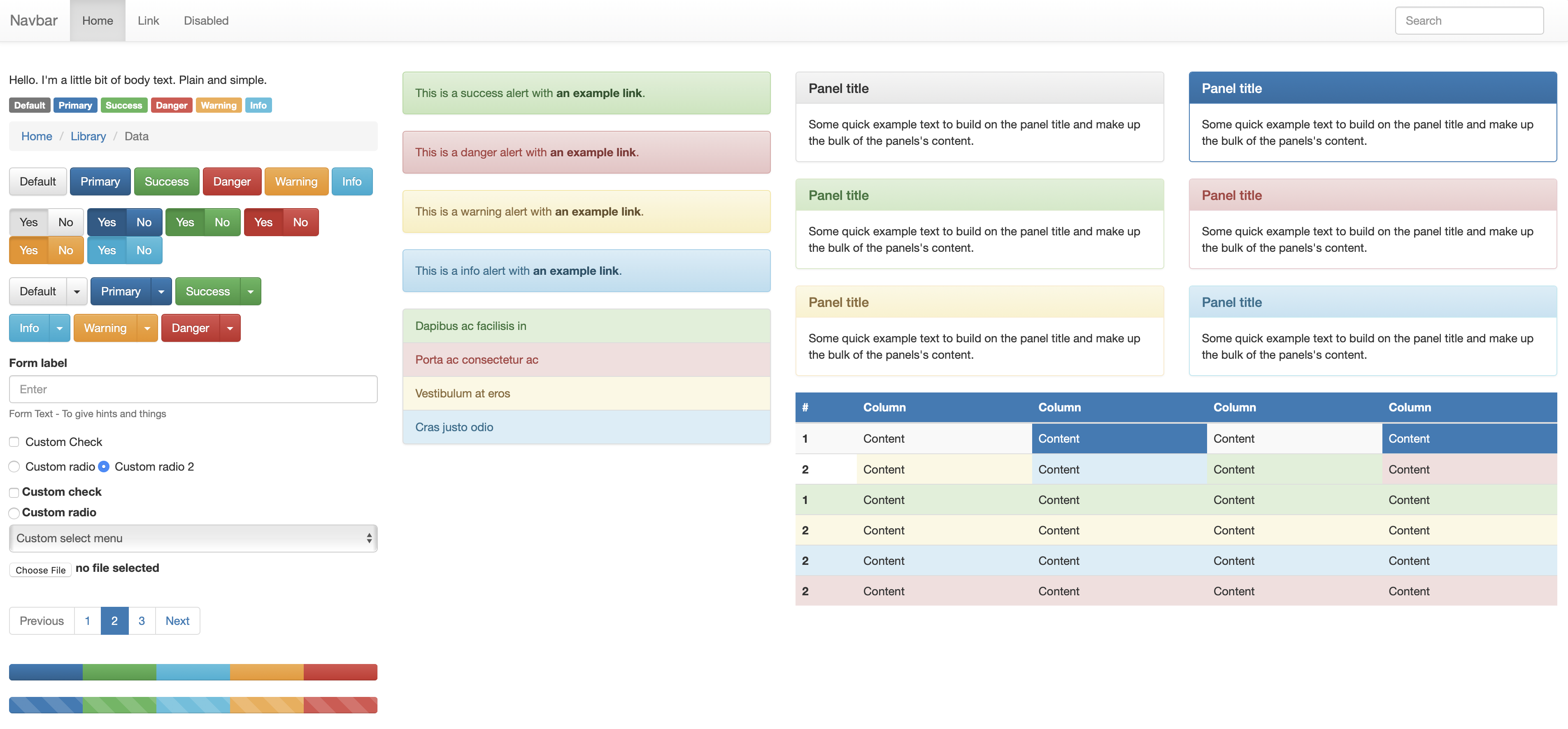
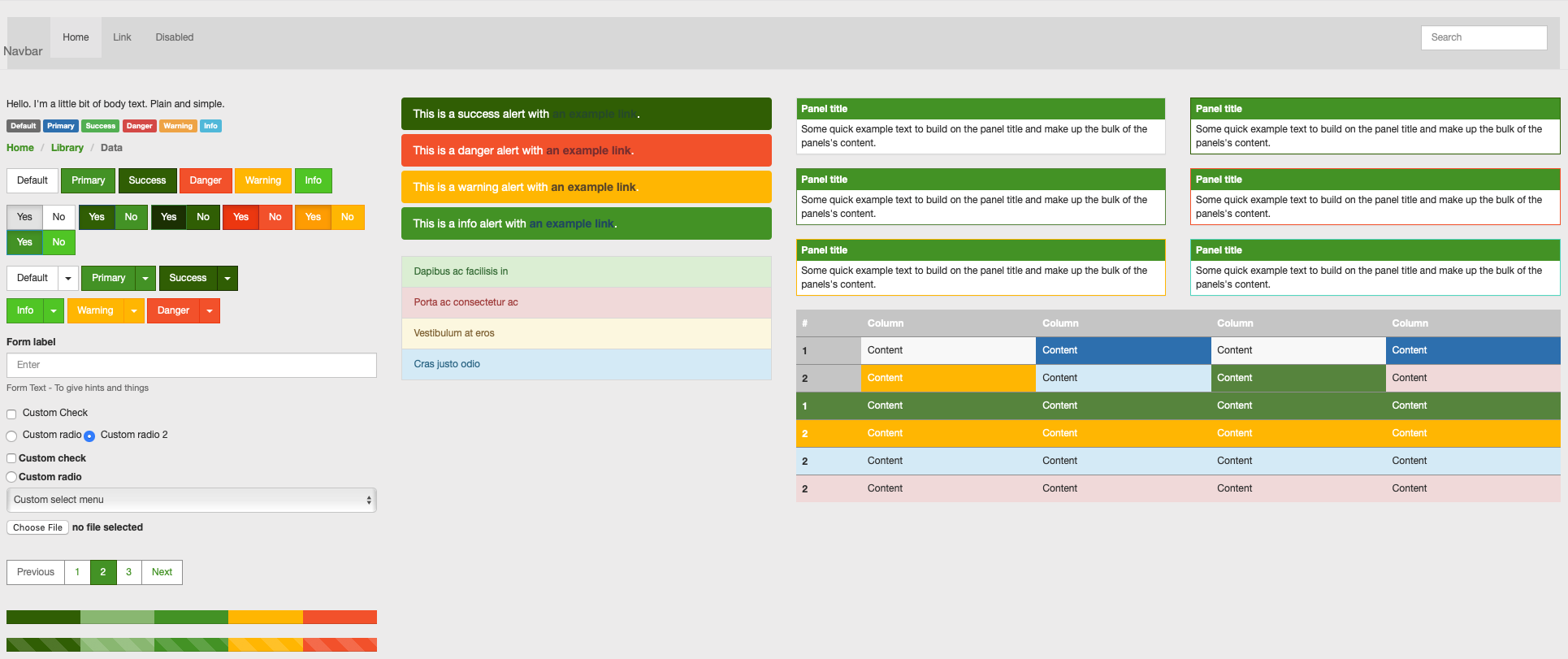
As you can see, the custom stylings do not follow the bootstrap "schema", so each component is either not fully provided (e.g. list stylings or panels),
or they are using a different context (The OpenNMS color’s indicate the severity context, whereas the bootstrap *-info, *-warning, etc. classes indicate a UI context).
To me it always felt, that with the custom styling we originally applied the UI or components looked weird, especially the color combinations.
Besides that, if you were to add Bootstrap 3 components, they don’t look like Bootstrap 3 or follow their style guidelines (i.e. the panels).
With that I found myself very often either reverting our custom styling or adjust the result in a way, that it looks modern/nice and provides a somewhat useful result.
The user experience with OpenNMS is not that great in general and I thought wouldn’t it be nice to just rely on Bootstrap 3 and be able to at least use the default components, which in return would increase the user experience.
To implement this, I started ripping out all of our custom stylings and make the UI look "default".
While doing that I really quick realized, that some components which are available in Bootstrap 4 are missing.
That is when I decided to migrate to Bootstrap 4, as it gives more possibilities in general.
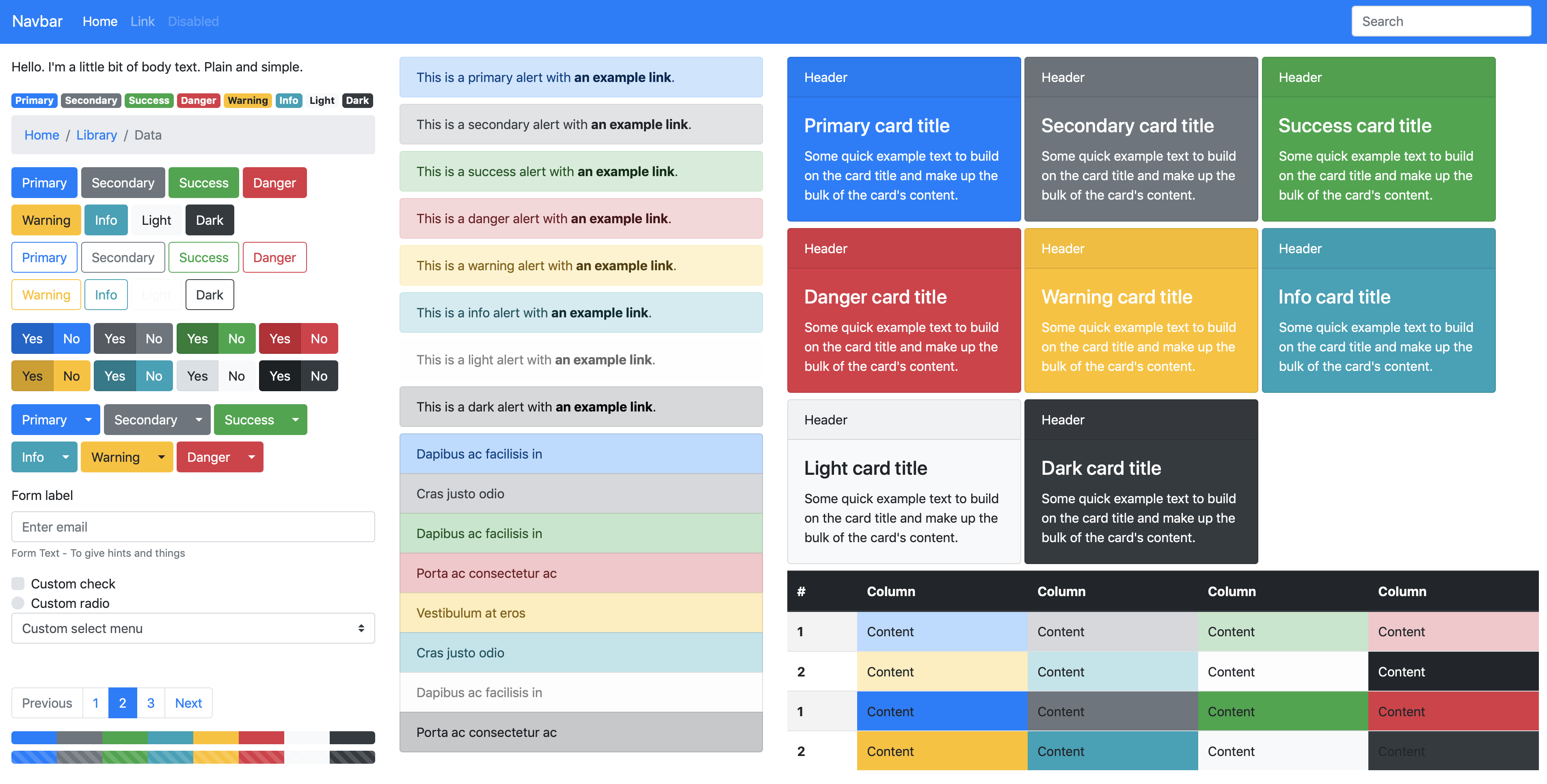
For comparison the following image contains the Bootstrap 4 Default Theme.
Migration
The migration per se was pretty straight forward.
Mainly I followed the official Migration Guide. In order to not miss anything, a Google Sheet helped to track the progress.
Besides that the following problems had to be solved:
-
Glyphicons are no longer part of bootstrap. Therefore the support was dropped and now only font-awesome Icons are available.
-
Validation is rewritten, as
has-errorsis no longer available, butis-invalidis. Also some inputs are no longer showing visuals, but are replaced with a more unique concept.
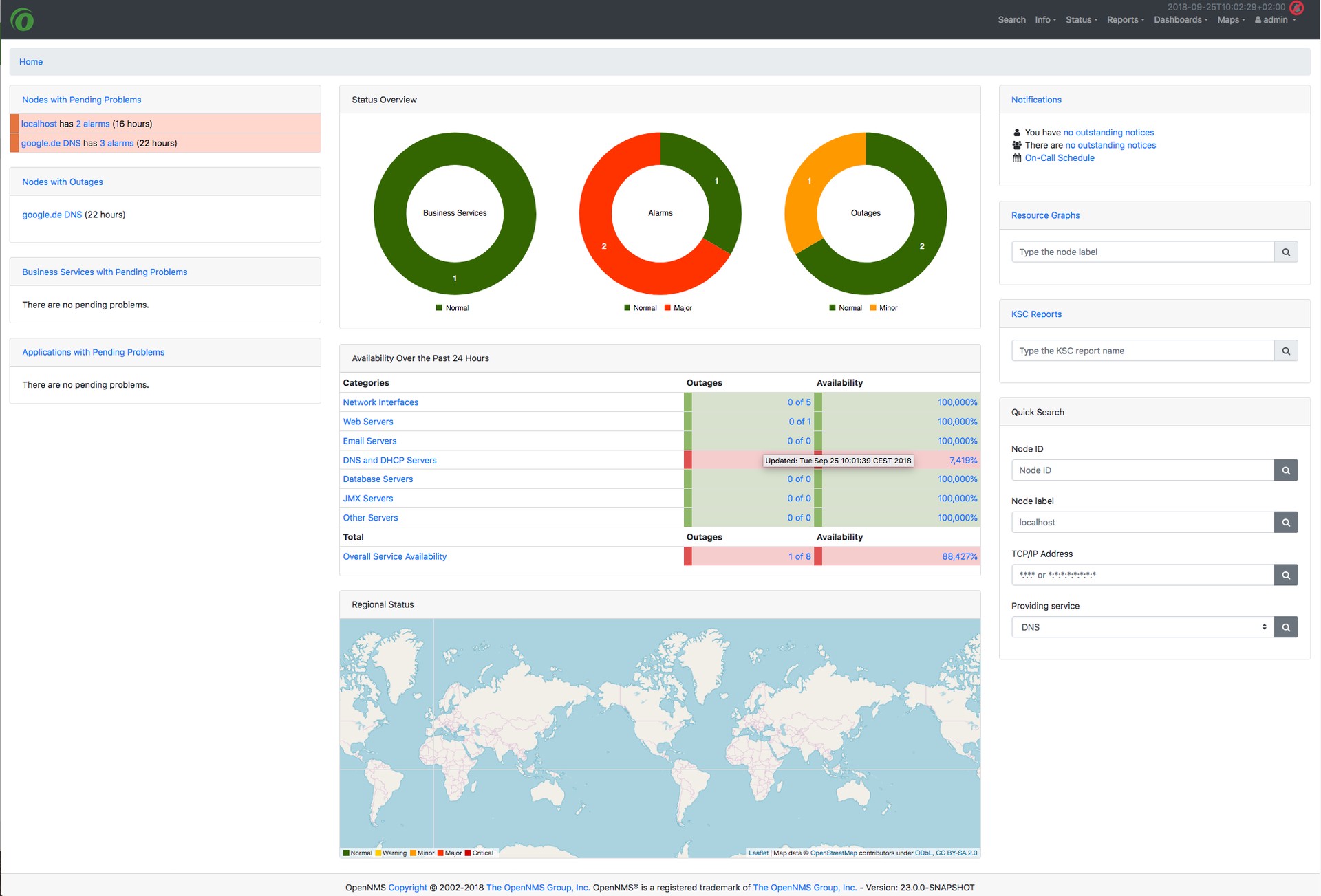
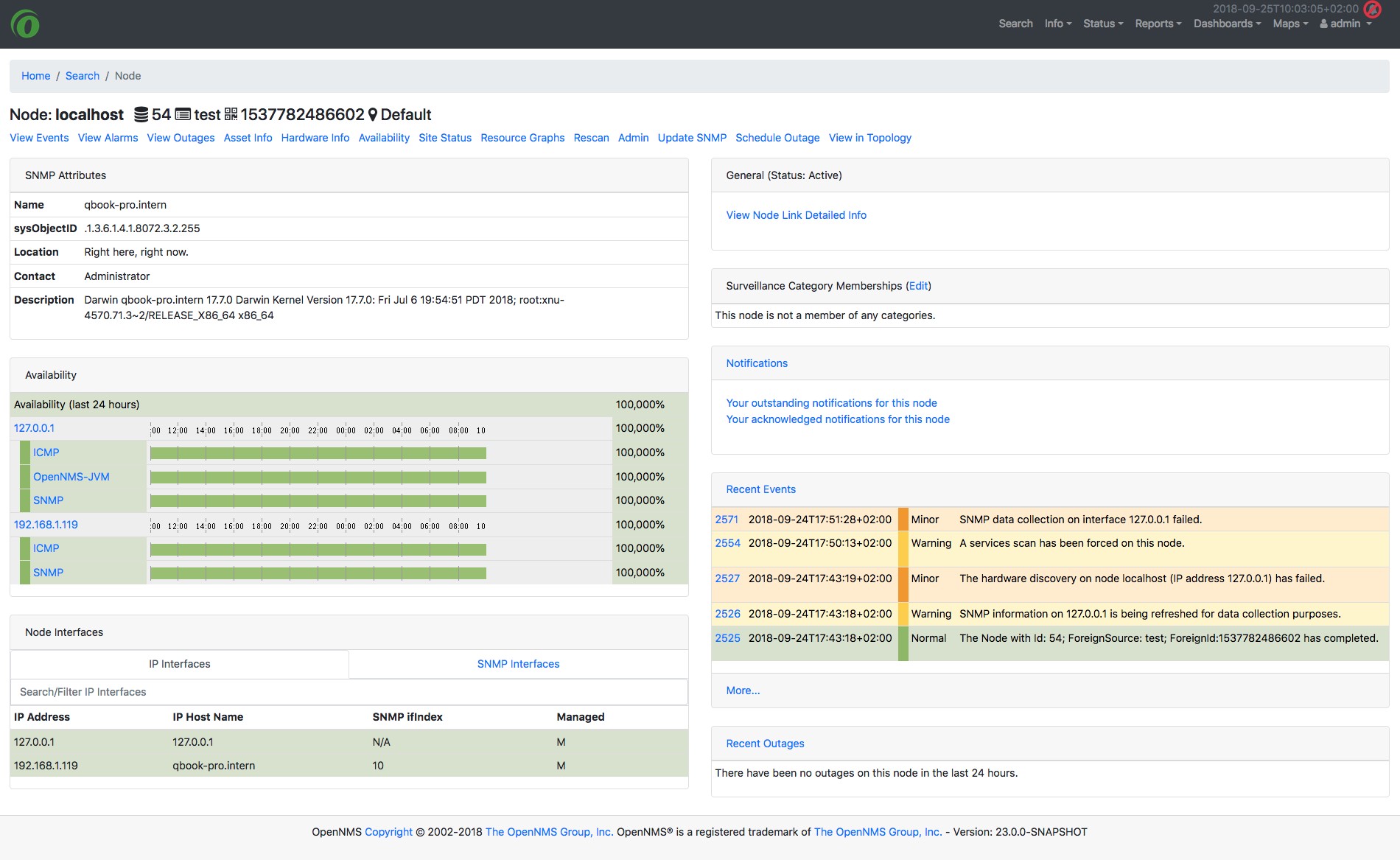
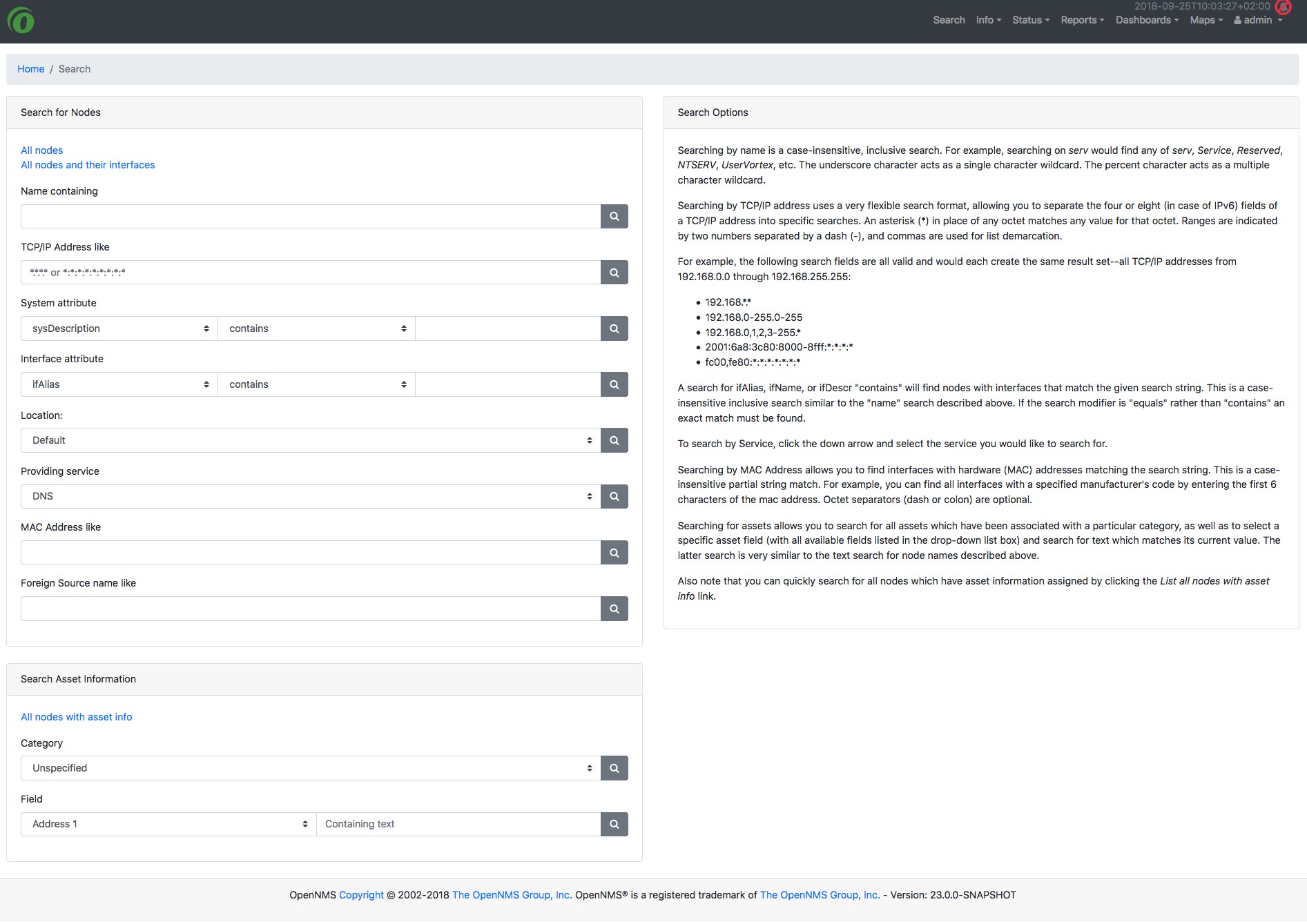
Here are some examples of how the ui looks with Bootstrap 4